
Character Creation Basics
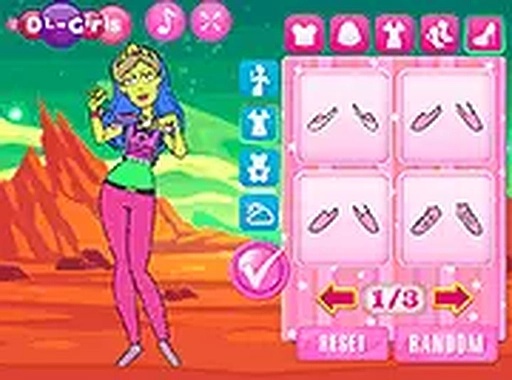
Fantasy Wardrobe Designer begins with selecting a base character model. From there, you can adjust facial features like eye shape and skin tone. The interface groups options into clear categories, making it simple to browse through hairstyles, tops, bottoms, and full outfits. Each choice updates the character preview instantly, so you see the effect of every decision. This setup encourages experimentation without any pressure to commit early.
Clothing and Accessory Options
The wardrobe contains a broad selection of garments ranging from casual wear to formal gowns. You can layer accessories such as necklaces, headpieces, and footwear to add detail. Color palettes allow you to tint each item individually, so matching shades or creating contrast is straightforward. The variety ensures that no two characters need to look alike, even when using the same base pieces.
Background and Scene Selection
To complement your character, you can choose from several background scenes. Options include castle interiors, garden settings, and other fantasy-inspired locations. Changing the background alters the mood of the final image and can highlight specific outfit colors or themes. This feature adds a storytelling element, letting you imagine your character in different environments.
Tools for Fine-Tuning
Beyond basic selection, the game includes tools for adjusting colors on individual clothing parts. You can change the primary and secondary hues of dresses, shirts, and accessories. This level of control helps achieve a cohesive look or deliberately clash styles for a bold statement. The coloring tools are easy to use, with sliders or preset swatches available.
Saving and Sharing Creations
Once you finish designing, you can save your character to a gallery within the game. This allows you to revisit and modify previous designs later. The save feature also lets you compare different versions side by side. While the game does not include online sharing, you can capture screenshots to keep on your device.
COMMENTS
0 comments