Reviews
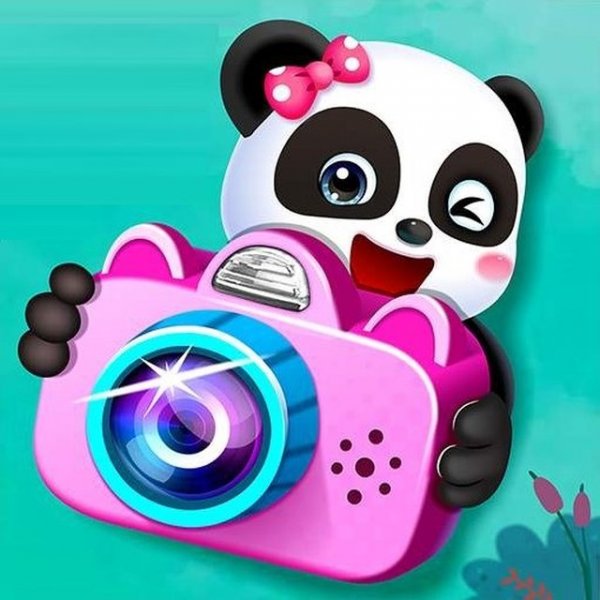
Baby Panda Photo Studio is a delightful game for young children. It teaches basic photography skills in a fun, interactive way. The game is well-designed with bright visuals and simple controls, making it easy for kids to play. It's a great choice for family-friendly entertainment.
Description
Game Introduction
Baby Panda Photo Studio is a charming online game where players help a cute baby panda run his own photography studio. On opening day, three special visitors arrive: a loving couple, a grandmother with her little granddaughter, and a friendly guy with glasses. Your role is to assist the panda photographer every step of the way, from setting up the studio to capturing perfect pictures. Designed for kids aged 3 and up, this game offers a safe, family-friendly experience with colorful graphics and simple interactions. It encourages creativity and attention to detail as you prepare backgrounds and lighting for each photo session. Released in October 2022 by developer Yiv, the game runs smoothly on web browsers, including PCs, mobile phones, and tablets, using HTML5 technology, and supports full-screen mode for an immersive experience.
How to Play
At the start of the game, you will see icons of all visitors on the main screen. Choose any visitor to begin taking photos. Your main task is to assist the baby panda in everything he needs. Before filming, hand over the camera and film by clicking on them with your mouse from the panel on the right side. Then, prepare the shooting space by installing lighting fixtures and selecting the most suitable background from the options provided. Pay close attention to the on-screen prompts to understand what the young photographer wants at each moment. Your goal is to keep both the panda and his guests happy by completing each photo session successfully.
Game Features
Creative photo taking with setup and lighting choices. The game includes multiple visitors to photograph, each with their own session. Simple point-and-click interactions make it easy for young players to participate. The game uses HTML5 technology, so it runs in any web browser without downloads. Full-screen mode is available for a more engaging experience. The colorful, kid-friendly graphics and intuitive prompts help guide players through each step of the photography process.
Tips for Success
Pay attention to the on-screen prompts to know exactly what the panda needs at each moment. Take your time selecting backgrounds and lighting to create the best photos. Experiment with different combinations to see what makes the visitors happiest. Completing each session successfully will keep both the panda and his guests smiling. Practice helps you become faster and more efficient at setting up the studio.