
Game Introduction
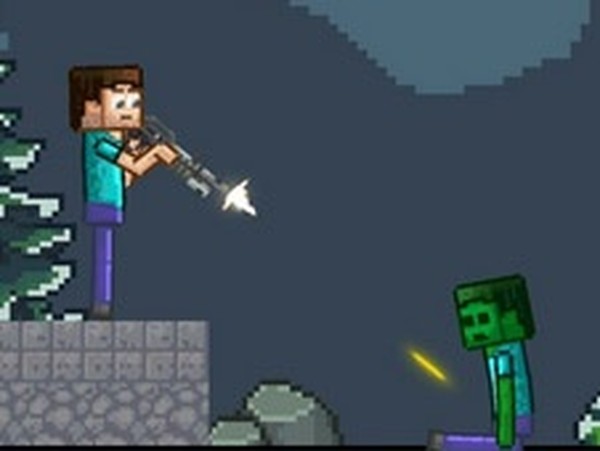
Cubecraft Sandbox: Creative Playground is a family-friendly sandbox game where players build and animate their own blocky worlds. Inspired by the popular block-building genre, it offers a blank canvas for imaginative play. The game focuses on decoration and simulation, allowing users to place characters, objects, and scenery, then watch them come to life with physics-based animations. Designed for mobile and tablet devices, it is accessible for on-the-go creativity. The core objective is to express creativity by constructing scenes and triggering animations, providing a relaxing and family-friendly experience. Players can create unique stories and interactions by experimenting with different combinations of characters and items. The open-ended nature encourages exploration without strict goals, making it suitable for all ages.
How to Play
Players typically start by selecting items from a menu on the left side of the screen. They can drag and drop characters, armor, tools, and blocks onto the playground. Using touch controls or a mouse, items can be positioned and resized freely. Clicking on a character allows rotation, resizing, or assigning behaviors. After arranging the scene, pressing the play button brings it to life with animations. Experimenting with different combinations of characters and items creates unique stories and interactions. The intuitive interface makes it easy for anyone to start building immediately.
Game Features
The game features a creative sandbox building system with intuitive drag-and-drop controls. It includes a diverse set of characters and items for decoration and simulation. Objects can be resized and rotated freely to customize scenes. A play button triggers animations, bringing the scene to life with physics-based movements. The interface is easy to learn and suitable for all ages, making it a relaxing and imaginative activity. As a sandbox simulator, it encourages open-ended creativity without strict goals.
Tips for Success
To get the most out of the sandbox, start by experimenting with different character and item combinations. Try placing characters in various poses and adding props to create interesting scenarios. Use the resize and rotate tools to adjust the scale and perspective of your scene. Press the play button frequently to see how your creations interact. Don't be afraid to start over or modify existing scenes—the sandbox is meant for trial and error. Sharing your creations with others can inspire new ideas and improve your building skills.
COMMENTS
0 comments